Online & Offline classes

Choose your track

Every course ends with something built

Six practical tracks, each with weekly practice sheets, real equipment and a tutor who answers questions until they make sense. Classes run online and offline — tell us which suits you.

6–12 weeks Online & offline Small batches Beginner friendly
Hardware

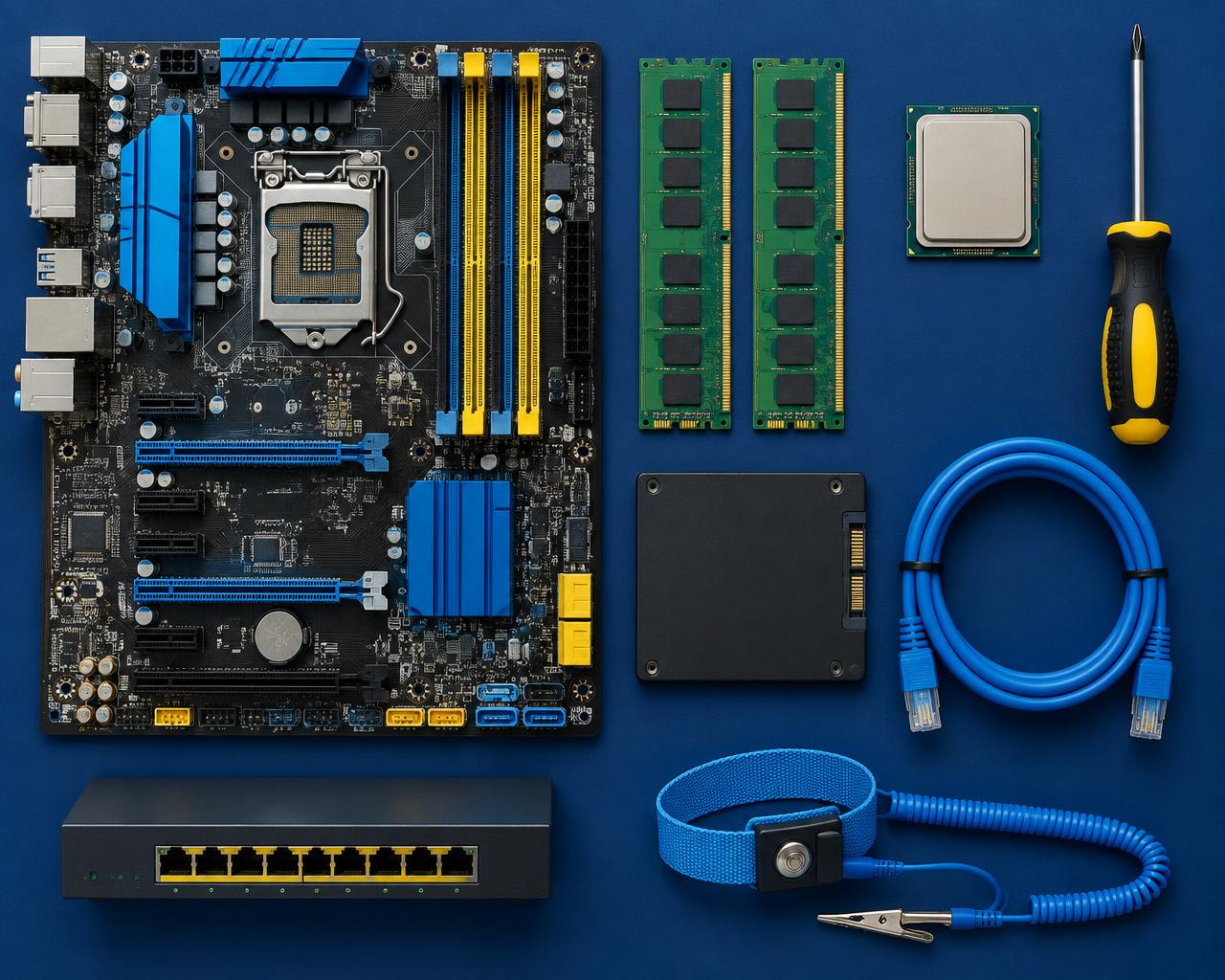
Computer Hardware & Repair

Build, diagnose and repair desktops and laptops from the screwdriver up — the fastest way into an IT support or service-centre role.

  • Assemble a desktop from bare components and get it to POST
  • Read a motherboard, choose compatible RAM, storage and power supply
  • Diagnose no-power, no-display and overheating faults systematically
  • Install Windows and Linux cleanly with drivers and updates

6–8 weeks · Online & Offline · Beginner friendly

Full syllabus


Networking

Networking Fundamentals

Understand how networks actually carry traffic, then set up a small office network end to end — cabling, switch, router, Wi-Fi and shared resources.

  • Explain OSI and TCP/IP without notes
  • Subnet an address range by hand, quickly
  • Terminate and test Cat6 cable and patch panels
  • Configure a switch, router and access points

8 weeks · Online & Offline · Beginner friendly

Full syllabus
CCNA

CCNA — Cisco Certified Network Associate

The full Cisco 200-301 syllabus with Packet Tracer and real lab gear, exam strategy and timed mock tests until the answers stick.

  • Cover every 200-301 domain, topic by topic
  • Configure VLANs, trunking, STP and EtherChannel
  • Run static and single-area OSPF routing
  • Apply ACLs, port security and device hardening

10–12 weeks · Online & Offline · Beginner to intermediate

Full syllabus
Servers

Linux & Windows Server Administration

Install, secure and run the servers behind a business — users, permissions, backups, services and remote access done properly.

  • Install and update Linux and Windows Server
  • Manage users, groups and file permissions
  • Run SSH, cron, services and logs with confidence
  • Set up DNS, DHCP, file sharing and web serving

10 weeks · Online & Offline · Beginner friendly

Full syllabus
Security

Cyber Security Essentials

The security fundamentals every IT role now expects: how attacks actually happen and the controls that stop them.

  • Think like an attacker across common techniques
  • Harden Windows, Linux and network devices
  • Recognise and respond to phishing
  • Manage identity, MFA and least privilege

8 weeks · Online & Offline · Beginner friendly

Full syllabus
Web

HTML, CSS & JavaScript Foundations

Build and publish real pages from scratch — markup, styling, responsive layout and your first JavaScript interactions.

  • Write clean, semantic HTML
  • Lay out responsive pages with modern CSS
  • Add form validation and interactivity with JavaScript
  • Fetch and display data from an API

12 weeks · Online & Offline · Beginner friendly

Full syllabus

Quick comparison

Duration, level and where it leads

Fees and the next batch date are on call — every track runs online and offline.

CourseDurationLevelTypical next role
Hardware6–8 weeksBeginner friendlyHardware technician
Networking8 weeksBeginner friendlyNetwork administrator
CCNA10–12 weeksBeginner to intermediateNOC engineer
Servers10 weeksBeginner friendlySystem administrator
Security8 weeksBeginner friendlySecurity analyst (entry)
Web12 weeksBeginner friendlyJunior front-end developer

Not sure which fits? Call +91 77805 48623 and describe what you want to be doing in a year — we will point you at the right track.

Admissions open

Ready to build a career you can point at?

Tell us which course interests you and we will send the syllabus, batch timings and fees. No obligation — a five-minute call is enough.